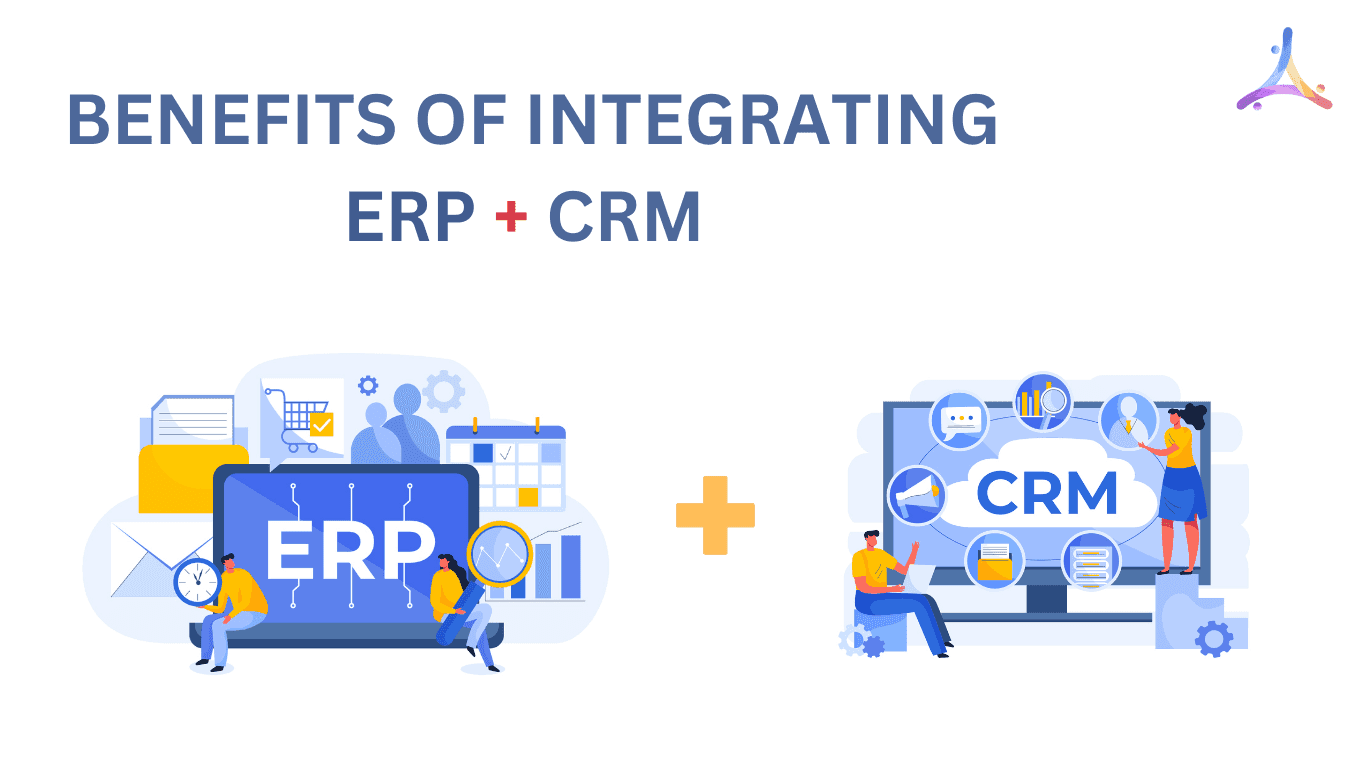
ERP and CRM Integration: Benefits, Use Cases, Data Sync, and Implementation Tips
Integrating ERP (Enterprise Resource Planning) with CRM (Customer Relationship Management) software helps businesses connect customer data with core operations such as sales, inventory, billing, order management, and service delivery. Instead of keeping sales and back-office teams in separate systems, ERP and CRM integration creates a smoother flow of information across the business.
When both systems work together, teams can better understand customer needs, track orders more accurately, reduce manual data entry, and respond faster to sales or service requests. This helps businesses improve customer experience while keeping internal operations more organized and efficient.
What ERP and CRM Integration Really Means
ERP software manages core business operations such as invoicing, sales orders, inventory, delivery, purchasing, finance, HR, payroll, and logistics. It helps teams keep operational data organized in one system, so managers can track business activity, review performance, and make faster decisions with fewer manual updates.
CRM software manages customer-facing activities such as leads, sales pipelines, customer profiles, communication history, support requests, and follow-ups. It gives sales, marketing, and service teams a clearer view of each customer relationship.
When ERP and CRM systems are integrated, both sides of the business work from connected data. Sales teams can see order status, inventory availability, invoices, and payment updates, while operations and finance teams can access accurate customer and sales information. This reduces duplicate data entry and helps teams respond to customers with more confidence.

Why ERP and CRM Should Not Work in Silos
When ERP and CRM systems are not connected, teams often rely on manual updates, repeated data entry, and separate reports. Sales may not know whether an order has shipped. Finance may not receive updated customer details on time. Customer service may have to ask another department for invoice, delivery, or payment information.
Connecting both systems helps remove those gaps. It gives each team access to the data they need without switching between disconnected tools or waiting for another department to respond.
Key Benefits of ERP and CRM Integration
ERP and CRM integration helps businesses connect customer-facing activity with back-office operations. This gives sales, finance, operations, and support teams a shared view of customer data, orders, invoices, inventory, and service history.
- Centralized customer and business data: When ERP and CRM systems are connected, teams can access customer details, order history, billing updates, delivery status, support tickets, and sales activity from connected systems instead of relying on scattered spreadsheets or manual updates.
- Less manual data entry: Integration reduces the need to enter the same customer, order, or invoice details into multiple systems. This saves time and lowers the risk of duplicate records, missing information, and avoidable mistakes.
- Better sales and inventory visibility: Sales teams can check product availability, order status, pricing details, and delivery updates before making commitments to customers. This helps prevent miscommunication between sales and operations.
- More accurate reporting and forecasting: Connected ERP and CRM data gives leaders a clearer view of sales performance, revenue, customer demand, open orders, and financial activity. It can also support better data engineering and analytics by bringing sales, finance, inventory, and customer data into more reliable reporting workflows.
- Improved collaboration between teams: Sales, finance, operations, and customer service teams can work with the same information. This makes it easier to answer customer questions, resolve issues faster, and keep internal communication aligned.
Common ERP and CRM Integration Use Cases
ERP and CRM integration is most valuable when customer-facing teams and back-office teams need the same data to complete daily work. Instead of manually updating records in separate systems, businesses can connect workflows across sales, finance, inventory, fulfillment, and customer service.
Sales Order Sync
When a deal is approved in the CRM, the ERP system can receive the customer details, product information, pricing, payment terms, and delivery requirements. This helps reduce delays between sales confirmation and order processing.
Customer Account Sync
Customer names, billing addresses, shipping addresses, tax details, credit terms, and account status can stay consistent across ERP and CRM systems. This reduces duplicate records and helps teams work with cleaner customer data.
Inventory and Product Availability
Sales teams can view product availability, stock levels, lead times, and order status before making commitments to customers. This is especially useful for distributors, manufacturers, ecommerce companies, and businesses with complex inventory operations.
Invoice and Payment Visibility
CRM users can see invoice status, payment updates, outstanding balances, and order history without asking the finance team for manual updates. This helps account managers and support teams respond to customer questions faster.
Customer Support and Service History
Support teams can access order, billing, delivery, and service information in one connected workflow. This gives customers more accurate answers and reduces back-and-forth communication between departments.
For growing businesses, ERP and CRM integration is not only about connecting two systems. It helps create a more reliable flow of data across the company, so teams can spend less time fixing information gaps and more time serving customers.
When ERP and CRM data is properly connected, businesses can also use automation or AI services for lead scoring, follow-up reminders, exception alerts, approval routing, and customer service workflows.
When Custom ERP and CRM Integration Makes Sense
Some businesses can connect ERP and CRM systems using standard connectors or built-in integrations. However, custom integration may be a better option when the business has unique workflows, multiple sales channels, custom pricing rules, complex approval steps, or industry-specific reporting needs.
A custom ERP and CRM integration can be designed around the way data actually moves through the business. This may include API-based integration, middleware, custom dashboards, automated data sync, role-based access, or reporting workflows that connect sales, finance, inventory, and operations.
For businesses with unique workflows, custom ERP development can help connect CRM data with finance, inventory, order management, and reporting systems in a way that fits the company’s actual process.
Before starting an integration project, an ERP consultancy approach can help identify data gaps, workflow issues, system requirements, and the right integration method.
For companies using open-source ERP platforms, legacy systems, or custom enterprise software, a tailored integration approach can help reduce manual work while keeping the system flexible for future growth.
FAQs About ERP and CRM Integration
What is ERP and CRM integration?
ERP and CRM integration connects customer relationship data with core business operations such as orders, inventory, billing, finance, and service delivery. It helps teams work from shared information instead of managing separate records in different systems.
Why should a business integrate ERP and CRM systems?
Businesses integrate ERP and CRM systems to reduce manual data entry, improve customer visibility, speed up order processing, support better reporting, and keep sales, finance, operations, and service teams aligned.
What data can be shared between ERP and CRM systems?
Common shared data includes customer profiles, sales orders, product details, inventory availability, invoices, payment status, delivery updates, support tickets, and account history.
Is custom ERP and CRM integration better than using a ready-made connector?
A ready-made connector can work for simple workflows. Custom integration is better when a business has unique processes, legacy systems, complex data rules, multiple platforms, or advanced reporting needs.
How does ERP and CRM integration improve customer experience?
It helps teams respond faster with accurate information about orders, invoices, deliveries, payments, and support history. Customers receive clearer updates because internal teams are working from connected data.