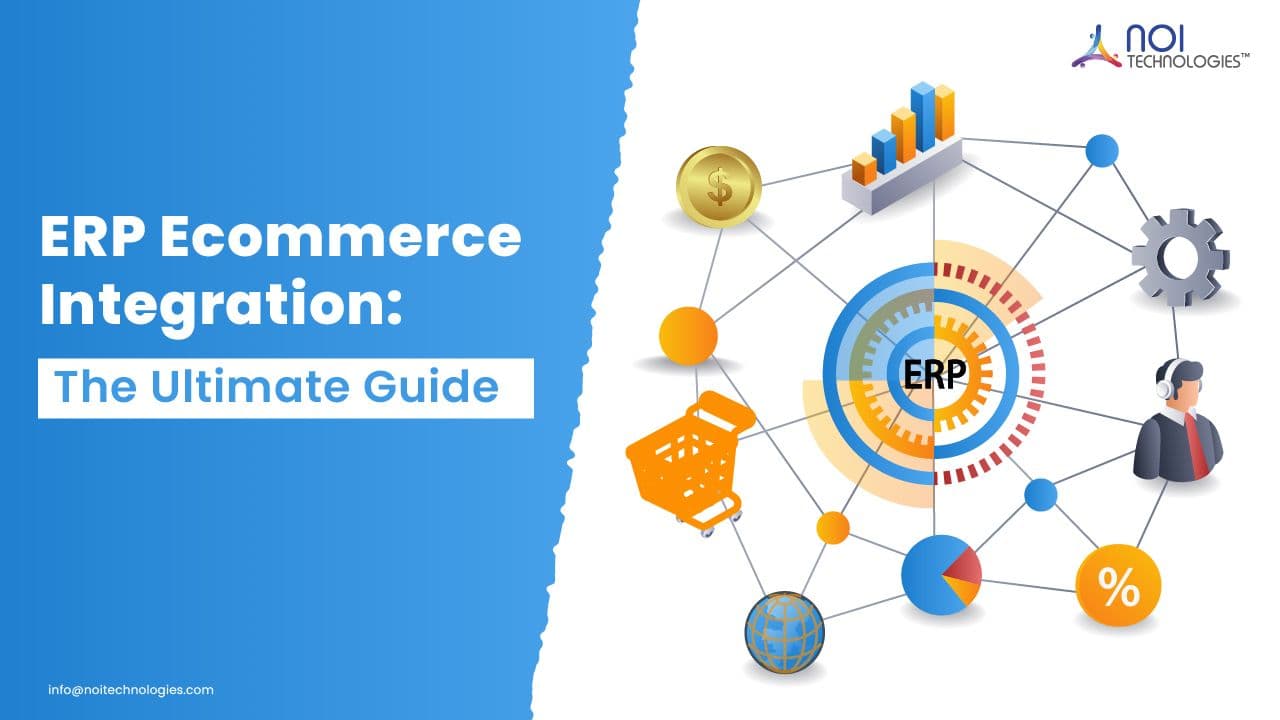
When an eCommerce platform, ERP, warehouse system, and accounting software operate separately, teams often re-enter the same order, inventory, customer, and payment data across multiple systems. That creates stock discrepancies, delayed fulfillment, inaccurate financial records, and poor visibility across the business.
ERP eCommerce integration connects these systems so operational data moves automatically between the storefront and back-office workflows. This guide explains what should be synchronized, how integration methods differ, where projects commonly fail, and how to plan a reliable implementation.
What Is ERP eCommerce Integration?
ERP eCommerce integration is the process of connecting an eCommerce platform with an enterprise resource planning system so data can move automatically between both systems. This allows orders, inventory, customer details, invoices, payments, shipping updates, and product information to stay synchronized in real time.
Instead of manually updating sales, stock levels, and accounting records across separate tools, businesses can use ERP eCommerce integration to centralize operations and reduce errors. It helps online retailers manage order processing, inventory control, fulfillment, accounting, and reporting from a more connected system.
Common ERP eCommerce Integration Challenges
ERP eCommerce integration can create major efficiency gains, but poor planning can lead to data errors, sync failures, and workflow issues.
- Data migration issues: Product, customer, and order data may need cleaning before systems are connected.
- SKU mismatches: Inconsistent product codes can cause inventory and fulfillment errors.
- API limitations: Some platforms may limit how data is transferred or updated.
- Custom workflow requirements: Businesses with unique pricing, fulfillment, or approval rules may need custom ERP integration.
- User adoption: Teams may need training to follow the new connected workflows correctly.
How ERP eCommerce Integration Works
ERP eCommerce integration works by allowing data to move automatically between your online store, marketplaces, ERP system, warehouse, shipping tools, and accounting software.
- A customer places an order through an online store or marketplace.
- The order is sent automatically to the ERP system.
- Inventory levels update across connected sales channels.
- The warehouse or fulfillment team receives the order details.
- Shipping and tracking information is sent back to the customer.
- Invoices, payments, and financial records are updated in the system.
Example: Multi-Channel Retail Integration
Consider a retailer selling through Shopify, Amazon, and a B2B portal while fulfilling orders from two warehouses. When an order is placed, the integration validates the SKU, customer, payment status, warehouse availability, and shipping method before creating the sales order in the ERP.
The ERP or WMS then reserves inventory at the appropriate location. Once the order ships, tracking details are returned to the original sales channel, while the invoice, payment, tax, and cost records are updated for finance.
If an item is unavailable or the order fails validation, the transaction should be placed in an exception queue for review rather than creating an incomplete ERP order.
Benefits of ERP eCommerce Integration
ERP eCommerce integration centralizes business operations by synchronizing data across sales, inventory, finance, and fulfillment systems. Instead of updating the same information across multiple platforms, teams can automate key workflows and reduce operational errors.
- Automated order processing: Orders from online stores and marketplaces can move directly into the ERP system, reducing manual entry and speeding up fulfillment.
- Accurate inventory visibility: Stock levels can update in real time across sales channels, warehouses, and back-office systems to help prevent overselling or stockouts.
- Better customer experience: Faster order updates, accurate product availability, and timely shipping information help customers get clearer communication after purchase.
- Centralized business data: Sales, customer, inventory, and financial data can be managed from one connected system, making reporting and decision-making easier.
- Lower operational costs: Automation reduces repetitive admin work, minimizes errors, and helps teams manage inventory and fulfillment more efficiently.
These capabilities are especially valuable for businesses managing multiple sales channels, warehouses, or high order volumes.
Key Features to Look For
An ERP-integrated eCommerce system connects front-end sales channels with back-office operations. The right setup should support order management, inventory control, customer data, accounting, fulfillment, and reporting from one unified system. Businesses should also plan for common ERP integration challenges such as data migration, API limitations, and workflow complexity.
- Customer management: Store customer profiles, contact details, purchase history, billing information, and support records in one centralized system.
- Financial management: Sync sales, invoices, payments, taxes, refunds, and accounting data with tools such as QuickBooks, Sage, or other finance systems.
- Inventory management: Update stock levels across online stores, marketplaces, warehouses, and fulfillment locations to reduce overselling, stockouts, and manual inventory errors.
- Multi-channel integrations: Connect platforms such as Shopify, WooCommerce, BigCommerce, Amazon, Walmart, eBay, and other marketplaces with your ERP system.
- Order processing: Automate order capture, picking, packing, shipping, tracking updates, and fulfillment workflows to improve speed and accuracy.
- Reporting and analytics: Track sales performance, inventory movement, returns, customer behavior, and financial data through centralized reports.
For businesses with complex fulfillment needs, ERP integration can also connect with warehouse management systems, shipping tools, and custom eCommerce workflows.
Best Practices for a Successful Integration
Successful ERP eCommerce integration starts with clear planning, clean data, and the right integration architecture. Before connecting systems, businesses should define what data needs to sync and how each workflow should operate.
- Define your integration goals: Identify whether you need to sync orders, inventory, products, customers, payments, shipping, accounting data, or all of them.
- Clean your product and customer data: Standardize SKUs, product names, pricing, customer records, and inventory data before migration to avoid duplicate or inaccurate records.
- Choose the right integration method: Decide whether your business needs API integration, middleware, a custom connector, or a fully customized ERP integration solution.
- Test before going live: Run test orders, refunds, inventory updates, shipping updates, and invoice syncs in a controlled environment before launching the integration.
- Train your team: Make sure sales, warehouse, finance, and support teams understand the new workflows and know how to handle sync errors or exceptions.
- Monitor performance regularly: Review sync logs, failed transactions, inventory mismatches, and order delays to keep the integration stable as your business grows.
Following these best practices helps reduce integration errors, improve system reliability, and create a smoother connection between your eCommerce platform and ERP system.
Final Thoughts
ERP eCommerce integration gives growing online businesses a more reliable way to manage daily operations across sales, fulfillment, finance, and customer service.
For companies selling through multiple stores, marketplaces, warehouses, or fulfillment channels, the right integration strategy can reduce manual work, improve visibility, and support long-term operational growth.
At NOI Technologies LLC, we design and implement custom ERP integrations for eCommerce, retail, logistics, manufacturing, and supply chain operations. With over 10 years of experience in open-source ERP development, our team works with Apache OFBiz integration services and Moqui Framework to build ERP solutions around complex business workflows.
Contact NOI Technologies LLC to discuss an ERP eCommerce integration solution built around your business needs.
Frequently Asked Questions
How do you get started?
To get started with ERP eCommerce integration, define your business goals, identify the eCommerce platforms and apps you use, decide which data should be synchronized, review the manual processes you want to automate, choose the right ERP system, and finalize the integration method.
What types of ERP systems work with eCommerce platforms?
Common ERP options for eCommerce businesses include open-source ERP, cloud ERP, on-premise ERP, and hybrid ERP systems. The right choice depends on your business size, customization needs, budget, security requirements, and long-term scalability goals.
What are the common integration challenges?
Common challenges include data migration issues, duplicate product records, SKU mismatches, API limitations, custom workflow requirements, budgeting, user training, and integration testing. These risks can be reduced with proper planning, clean data, and the right technical implementation strategy.
Can ERP connect with multiple marketplaces?
Yes. ERP systems can integrate with multiple eCommerce platforms and marketplaces such as Shopify, WooCommerce, BigCommerce, Amazon, Walmart, and eBay. This allows businesses to manage orders, inventory, pricing, and customer data across different sales channels from one system.
What data should be synchronized between ERP and eCommerce systems?
The most important data to synchronize includes orders, inventory levels, product information, customer details, invoices, payments, taxes, shipping updates, returns, and financial records.
Is custom ERP integration better than using middleware?
Middleware can work well for standard integrations, but custom ERP integration is often better for businesses with complex workflows, unique inventory rules, multi-location fulfillment, custom pricing, or industry-specific processes. The best option depends on how much flexibility your business needs.